Compatible
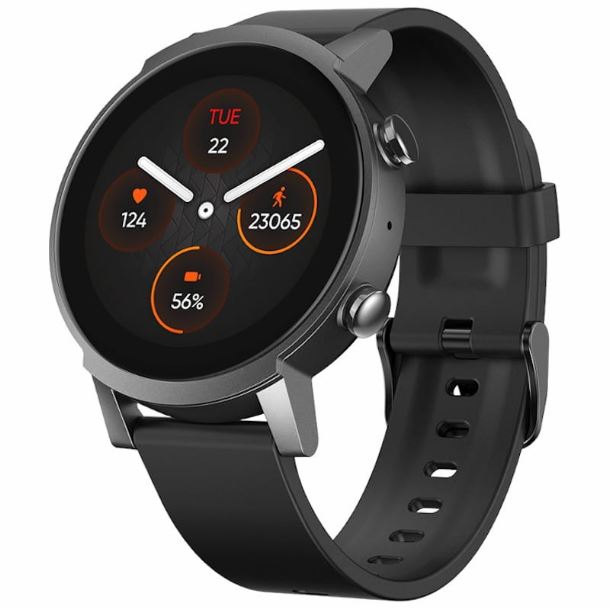
How to Connect TicWatch E3 to Your iPhone.
Your TicWatch E3 runs Wear OS, has Bluetooth, and supports Google Play Store — Lynio bridges it with your iPhone in minutes.
LYNIO
⌚
Wear OS ✓
Google's watch platform

Bluetooth ✓
Wireless pairing
Google Play Store ✓
Install Lynio Watch
Connect in 3 Steps
2
⌚
Install Lynio Watch on your TicWatch E3
Open the Google Play Store on your TicWatch E3, search "Lynio Watch" and tap Install. Your watch's Bluetooth will handle the rest.
3
🔗
Follow the in-app pairing guide
Open Lynio on your iPhone. It walks you through pairing step by step — takes about 2 minutes.
What You Get After Pairing
📞
Calls on your wrist
🔔
iPhone notifications
👤
Caller ID & contacts
❤️
Health → Apple Health
🎵
Music control
🔄
Auto reconnect