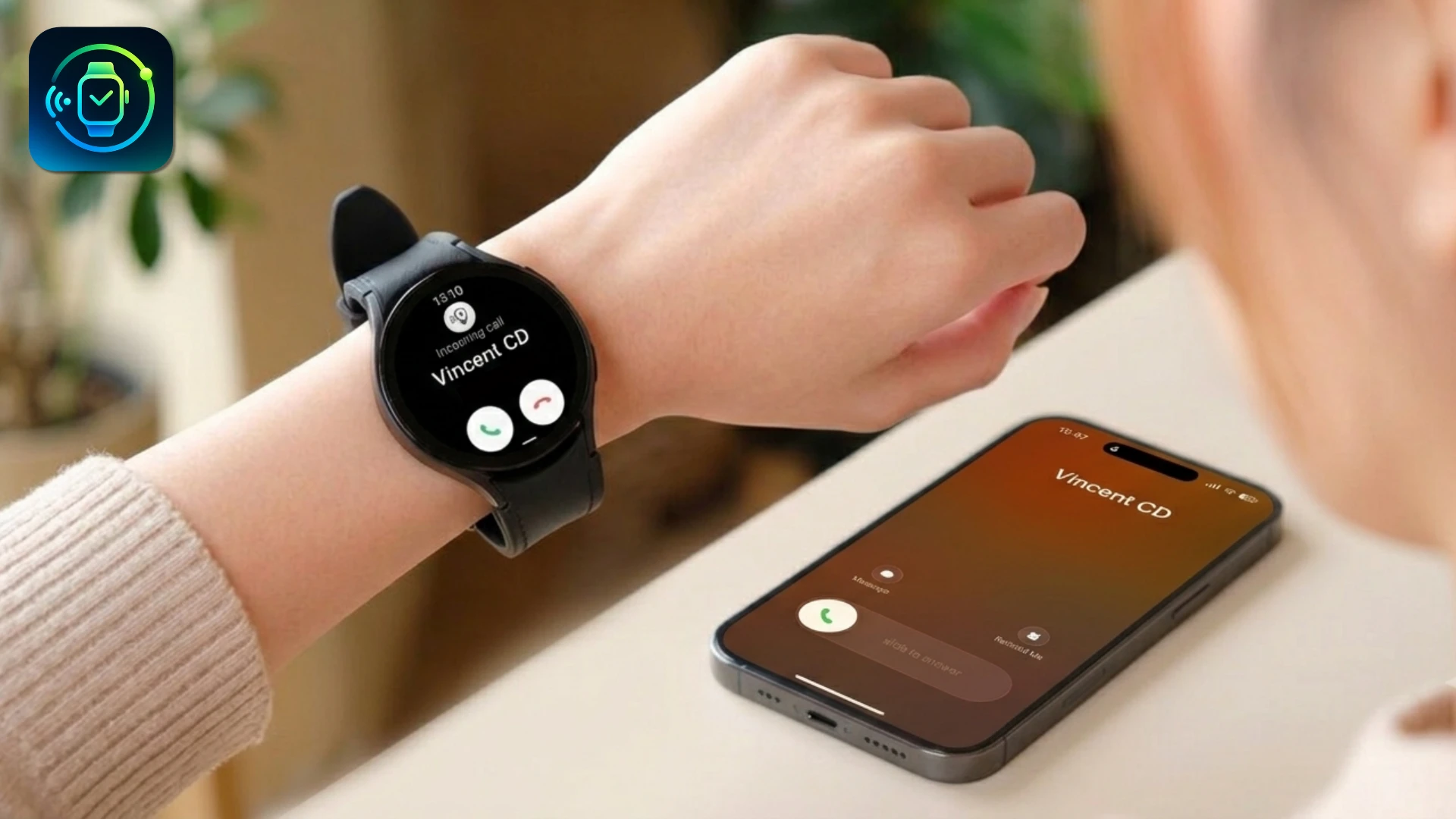
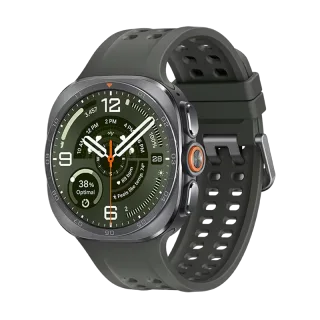
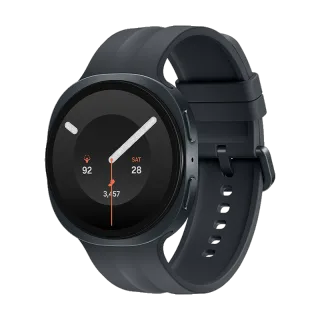
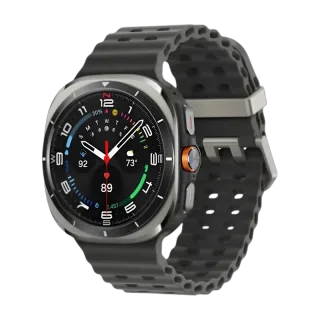
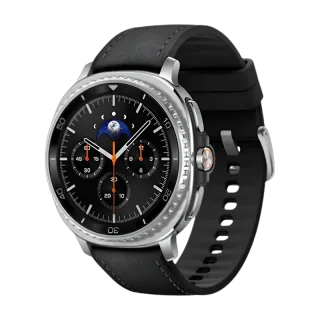
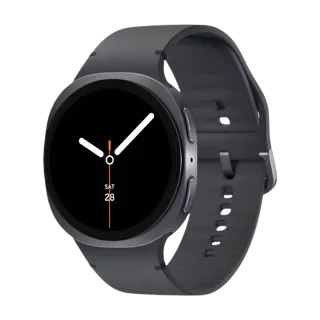
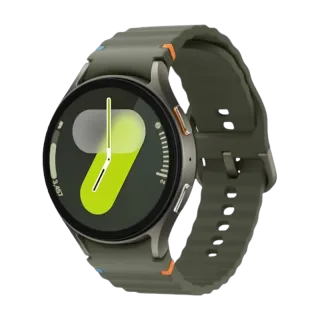
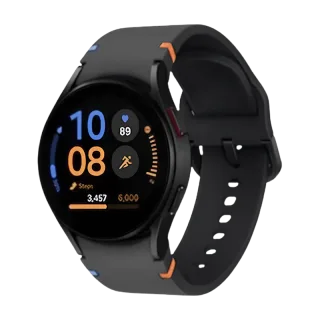
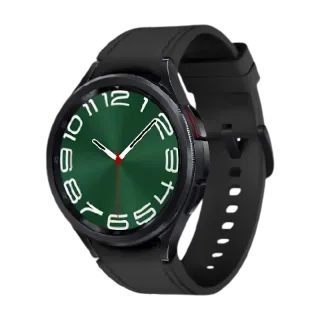
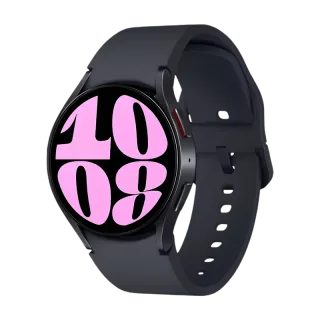
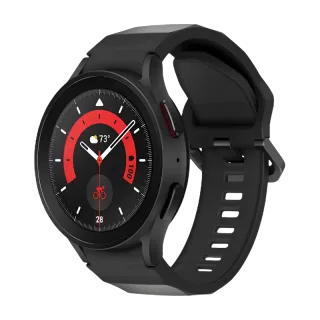
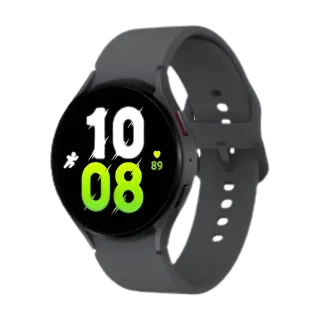
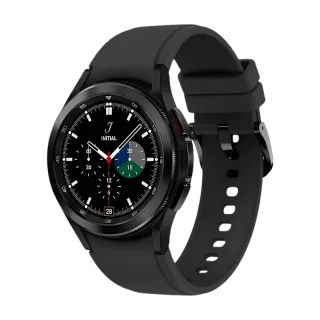
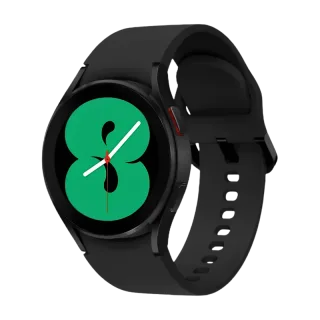
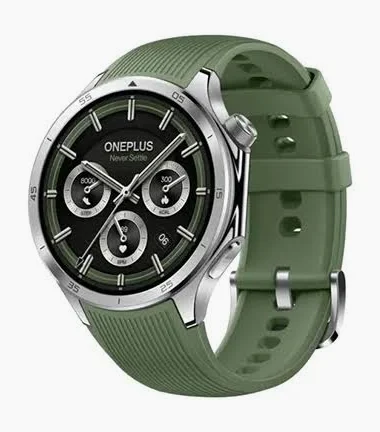
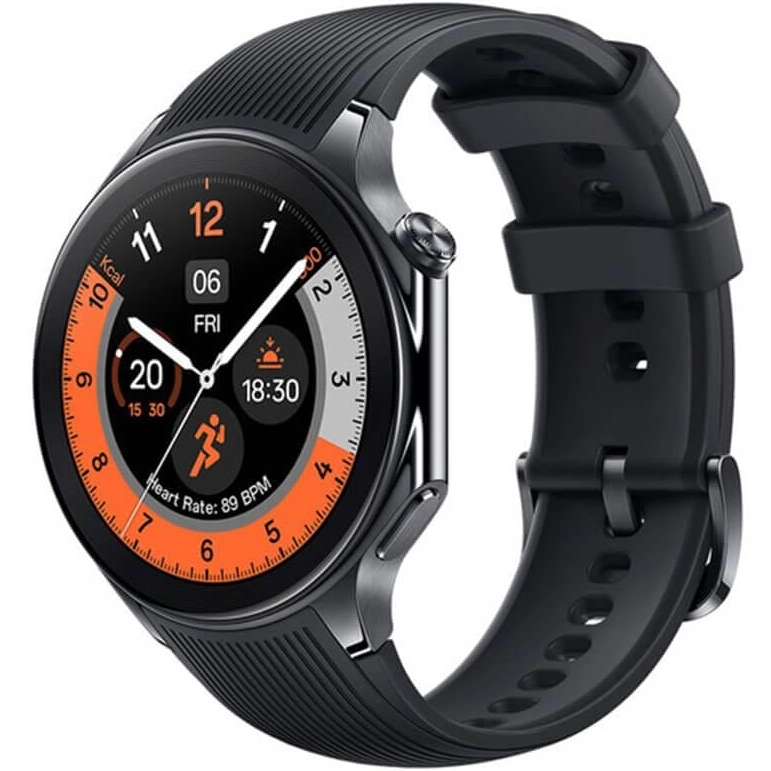
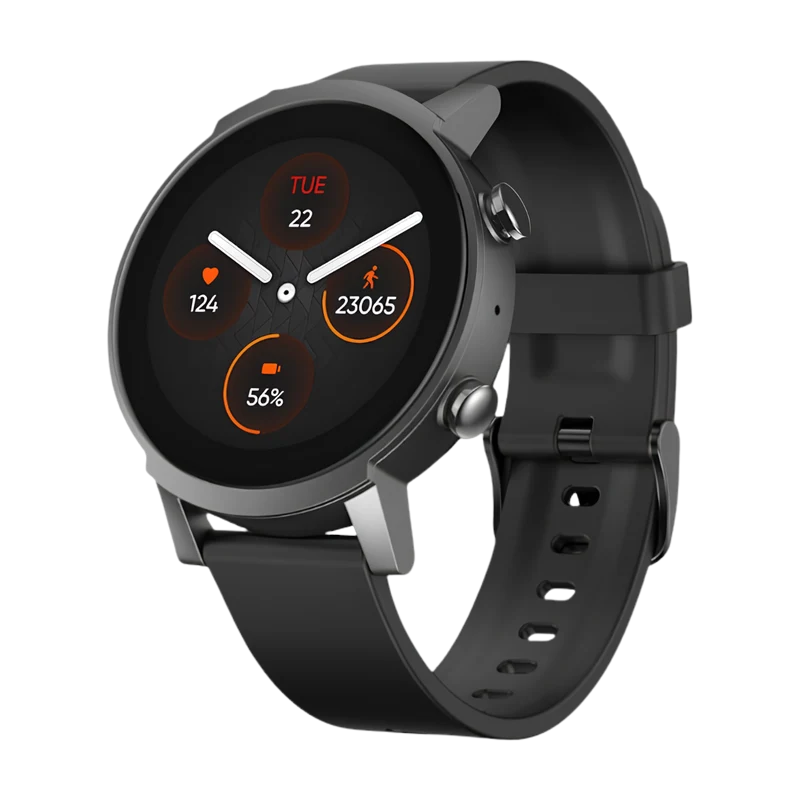
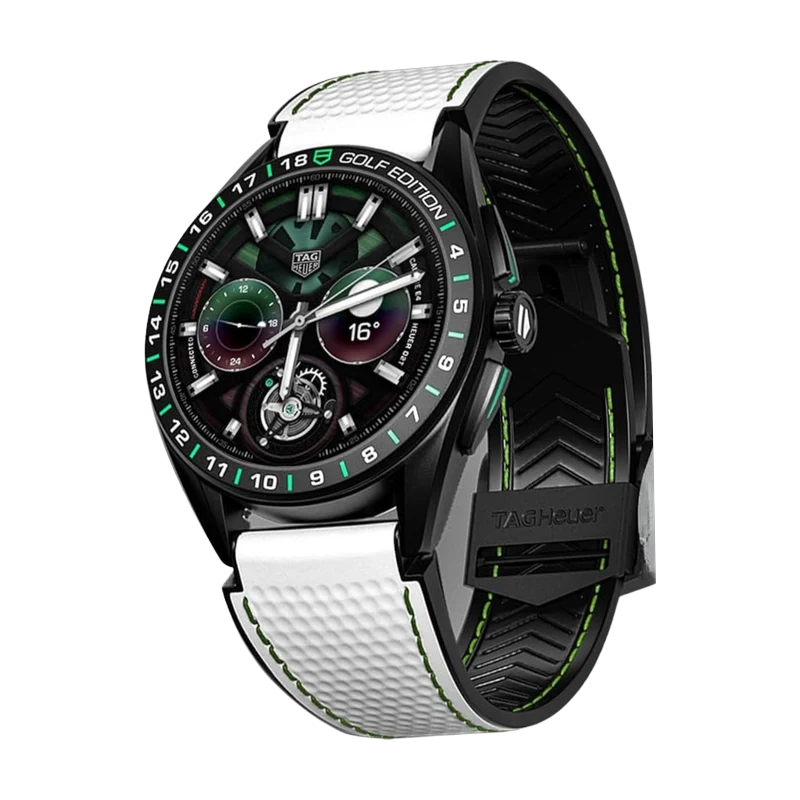
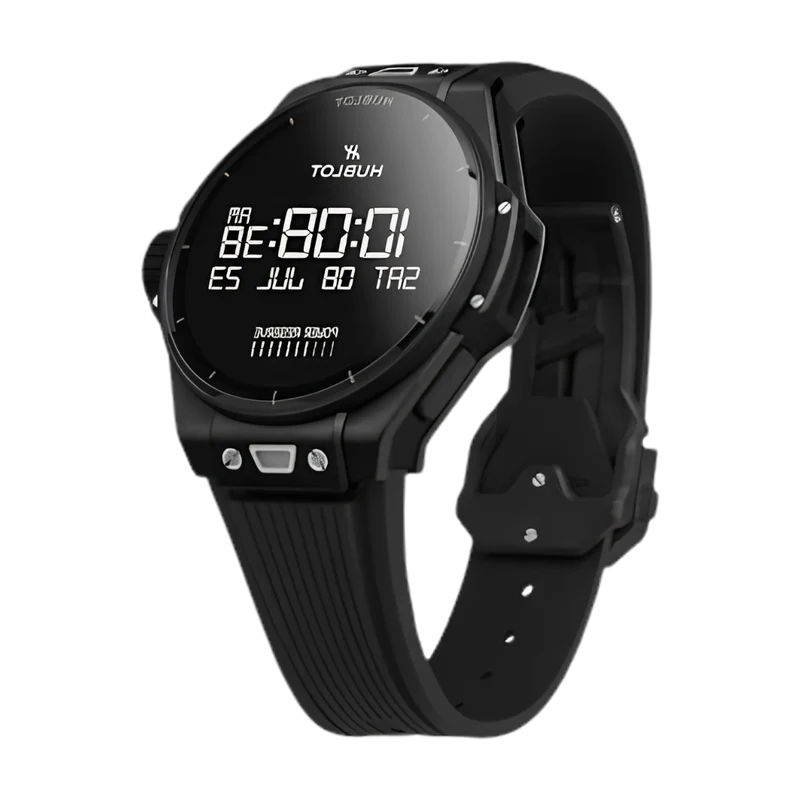
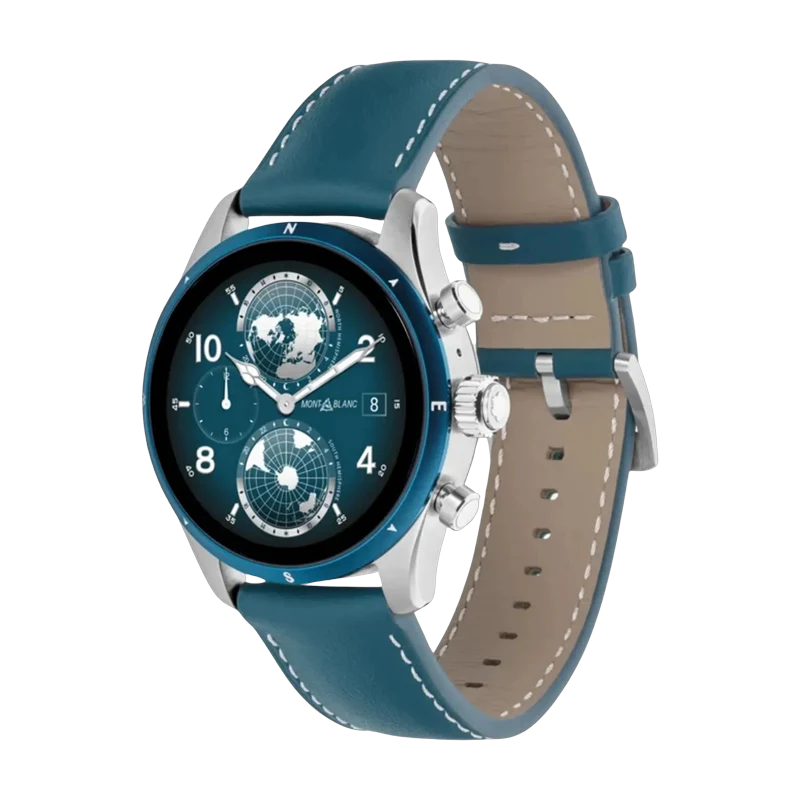
Yes. Lynio fully supports Samsung Galaxy Watch 4, 5, 6, 7, FE, and Ultra, plus many other Wear OS watches. Samsung Galaxy Watches are fully Optimized for the best experience.
No. After the initial watch app installation, Lynio works iPhone-only. You do not need to carry or own an Android phone.
Yes: iPhone only after the initial watch app install. If you have no Android phone at all, follow our No Android Phone guide inside the app for alternative setup steps.
All iPhone app notifications are mirrored to your watch: iMessage, WhatsApp, Instagram, Gmail, Calendar, and every other app on your iPhone.
Lynio is optimised to use less than 3% extra battery per hour on both your iPhone and watch.
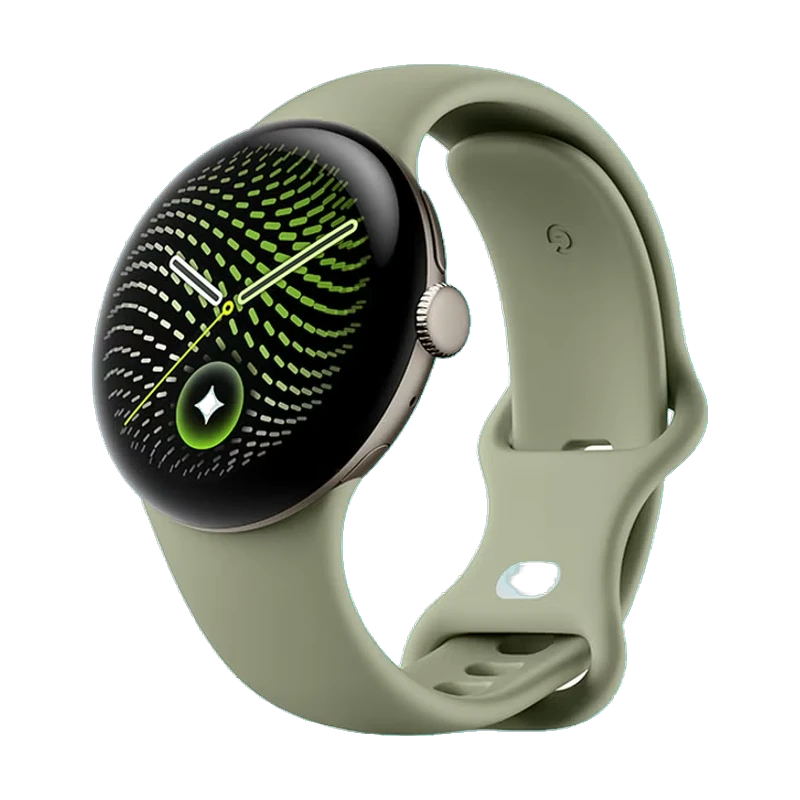
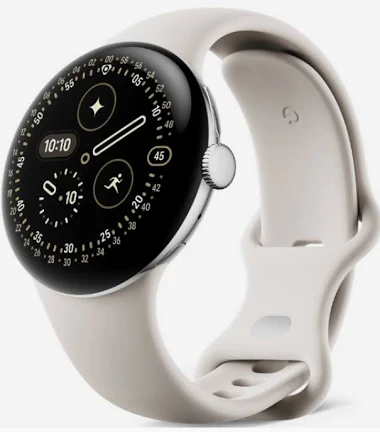
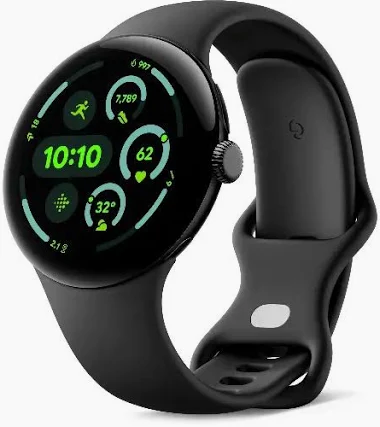
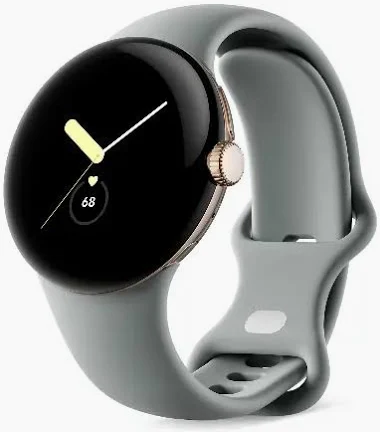
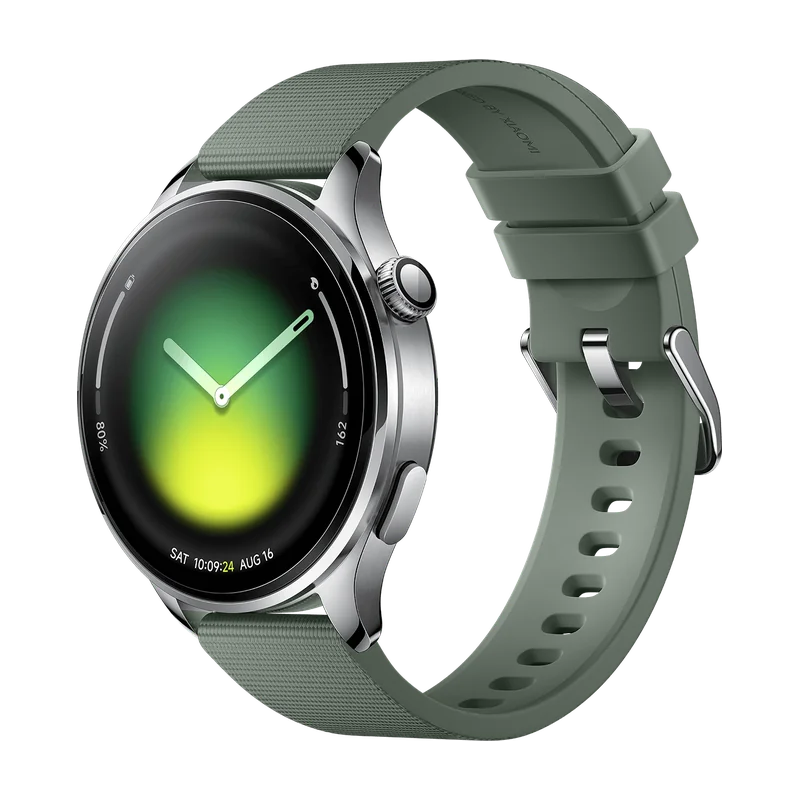
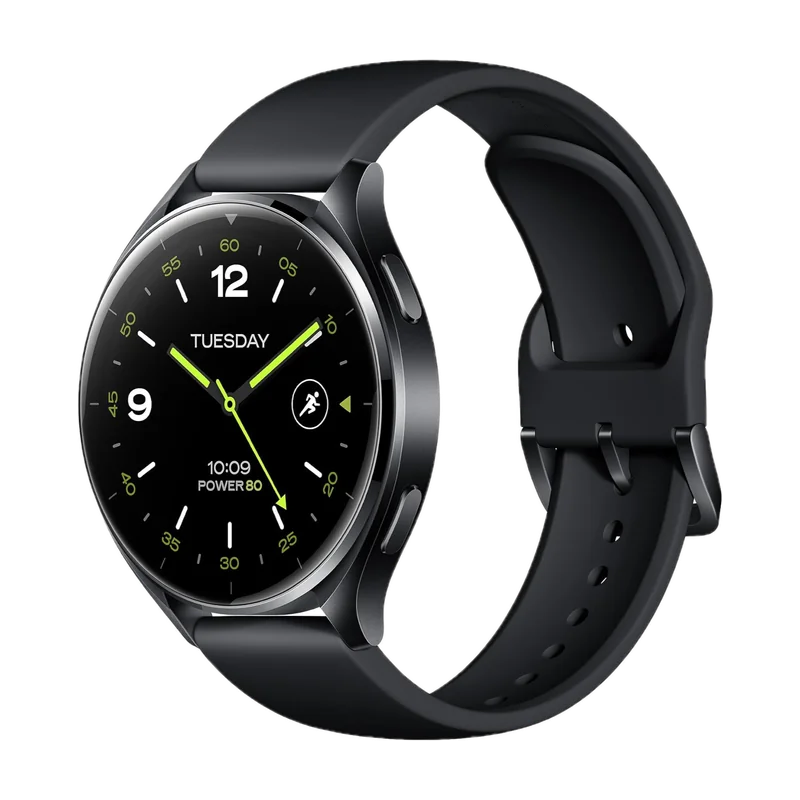
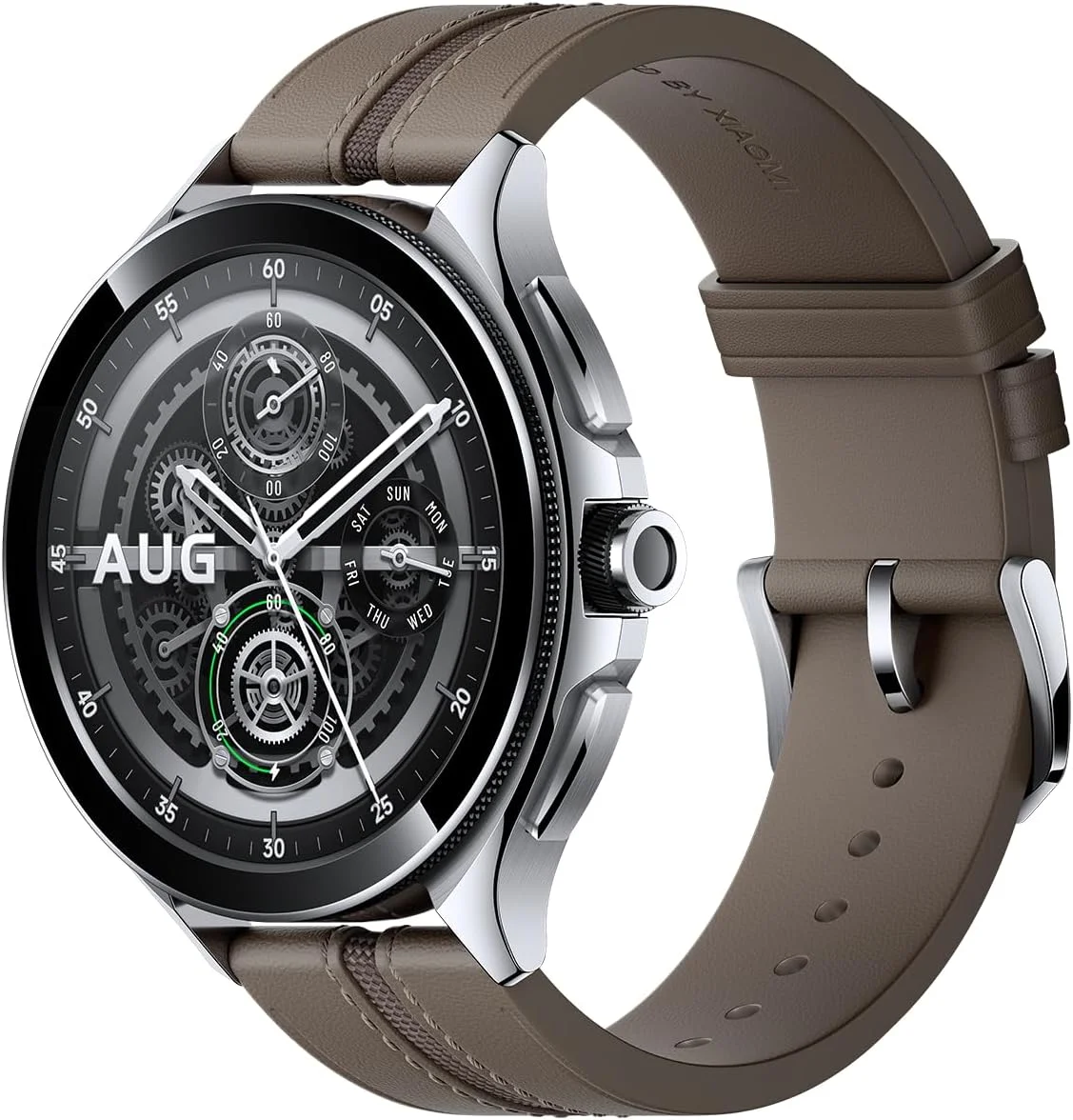
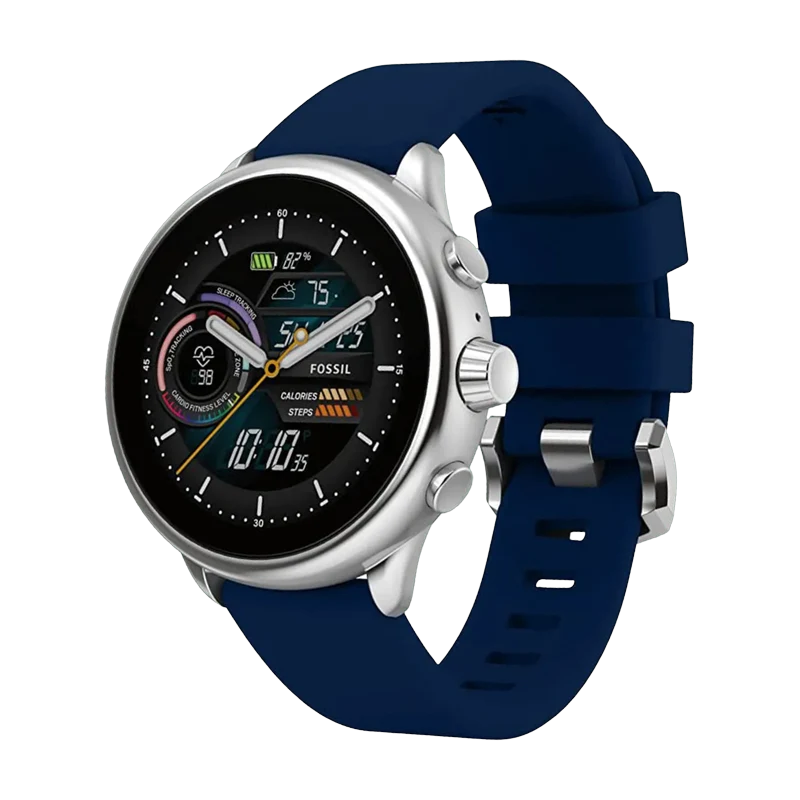
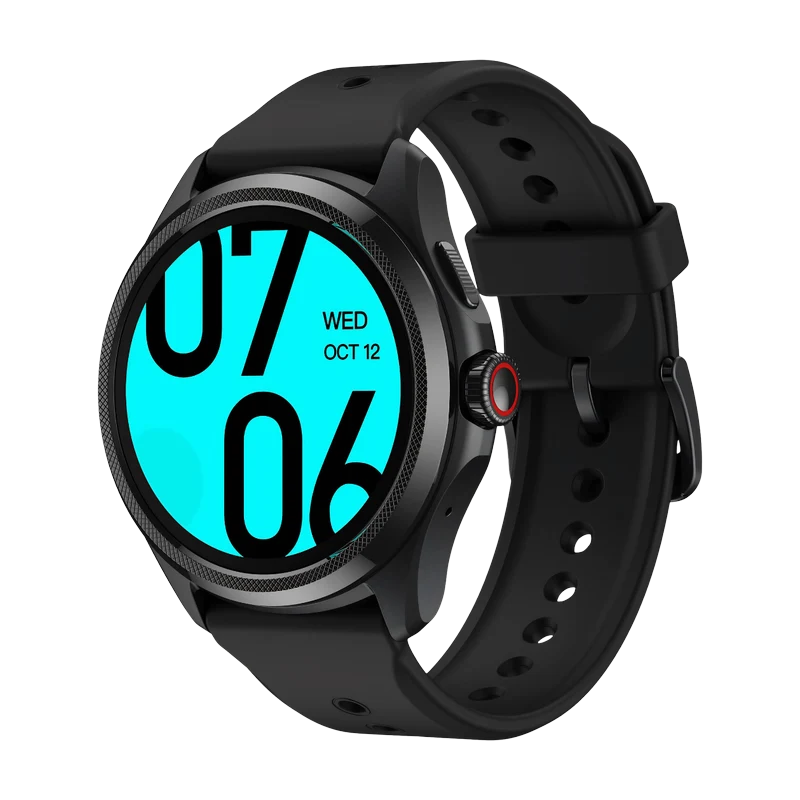
Samsung Galaxy Watches are fully Optimized. Google Pixel Watch, Xiaomi Watch, Fossil, TicWatch, TAG Heuer, and more are Compatible. Full list on our Features page.
Lynio is free to download, and it comes with a free trial so you can try it on your own watch and iPhone before paying anything. You can cancel any time during the trial. Pricing is set per country to reflect local purchasing power rather than one global price, and if you would rather not have a subscription, there is a one-time purchase option.
Check the watch itself: open its settings menu and look under About watch or System. Most Wear OS watches list "Wear OS by Google" there. You can also check whether the watch has the Google Play Store, if it does, it's a Wear OS watch.
Lynio comes with a 7 day free trial so you can decide if it's right for you, and you can cancel any time during that period. Lynio is built by a two person team working to connect two device ecosystems that were never designed to talk to each other, which takes real ongoing work to maintain. We also adjust pricing by country so it's fairer for people in different parts of the world, and we chose not to support the app through ads, since that would mean sharing your data with advertisers.
No. Running ads would mean sharing your data with advertisers in some way, and that goes against how we've built this app. Lynio is built with privacy as a priority.
Reach out and we'll help you work through it. You can contact us at lynio@carpediemcreations.io.
No. Lynio shows you the notification itself on your watch, but it can't open the app behind it. Seeing a WhatsApp message come through on your watch, for example, doesn't mean tapping it will open WhatsApp. Lynio only mirrors the notification, it can't launch or control other apps on your phone.
No. Android and iOS are separate, closed systems, and Lynio doesn't have a way to install apps across them. It can sync things like notifications, calls, and health data between your watch and iPhone, but it can't add new apps to either device.
A reset removes the Lynio Watch app and its pairing with your iPhone, so you'll set both up again. First, on your iPhone go to Settings › Bluetooth, tap the (i) next to your watch, then tap Forget This Device. Next, open Lynio, go to Watch Settings, tap Forget This Watch, then tap Pair a Watch on Home. Lynio walks you through the rest: finishing the watch's own setup if needed, installing Lynio Watch from the Play Store on the watch or wirelessly from your iPhone, and pairing again.
While they're apart, new notifications and calls won't reach your watch, media controls stop working, and you can't ring your phone from your watch or find your watch from Lynio. Your watch keeps recording health data and sends it to Apple Health once it reconnects, and any settings you change in Lynio are sent then too. Lynio reconnects on its own when your watch is back in range, usually within a minute, and shows the watch's last known battery in the meantime. If you'd like a heads-up when this happens, turn on Watch disconnect alerts in Watch Settings.